How to Make a Hytale Server: Setup, Hosting, and Friends (2026)
A source-first guide to creating a small Hytale server, testing it safely, and giving friends a reliable way to connect.
The short answer
If you are asking how to make a Hytale server, start with a supported host, the official Server Manual and Server Downloader, a separate server folder, and a new test world. Confirm the port, connect with one client, save, restart, and only then invite the group.
Keep official program files, world/configuration data, and dated backups separate. Do not use a random ZIP, cracked launcher, APK mirror, or Minecraft tutorial as a substitute for Hytale's current server documentation.

What do you need before making a Hytale server?
You need a computer or hosted instance that can stay online, enough storage for server files and backups, a stable connection, and the same client and server channel for everyone. The Android APK is not dedicated-server software.
Decide who administers the machine, where backups live, which port is used, and whether the server is private or always-on. This is the basic how to make a Hytale server workflow; exact commands and authentication still come from the official manual.
Host and network requirements
The best first host is usually the computer you can troubleshoot. A home PC works for a private test if it stays awake; a rented host suits an always-on group but adds cost, firewall rules, and provider backups.
Leave headroom for the operating system, logs, backups, and actual players. Measure a test session instead of treating one fixed hardware number as permanent.
| Area | Practical starting point | Check before inviting friends |
|---|---|---|
| Host | Supported desktop, spare machine, or managed instance | It stays awake and the administrator can update it. |
| Storage | Live data plus dated backup copies | There is room for worlds, logs, and a rollback copy. |
| Network | Stable upload and predictable port | The owner can test locally and from a second connection. |
Use the current manual and server output for exact capacity; this table is only a planning checklist.
Get the official Hytale server files
Start from the official Hytale download page or Server Manual. Put the downloader or server package in a fresh staging folder, then record the source, date, channel, file name, and host system. If the official flow changes, follow the manual rather than forcing an old link.
1. Open the official source
Follow the server-specific path and confirm that it applies to a dedicated server, not only the game client.
2. Download and match the channel
Use a new directory and choose the same live or pre-release channel as clients. Do not mix a preview package with a stable world.
Do not replace official files with a mirror
A mirror may be modified or expired. Never distribute a client APK as dedicated-server software or use an unverified archive.
How to make and start a Hytale server
With the official files in staging, create a clean server directory and follow the current manual for initialization. Keep configuration, world data, logs, and extensions easy to identify.
Avoid a temporary Downloads folder, a synced folder that can lock files, or a directory shared by unrelated installations.
1. Create a dedicated folder
Separate live world, configuration, logs, and backups. Use a named administrator account when possible.
2. Run official initialization
Complete the manual's authentication flow and keep secrets out of public chat, screenshots, shared scripts, and web roots.
3. Set basic options
Choose the world name, port, player limit, access policy, and only a few documented settings.
4. Start, test, and promote
Start a test world, watch for the ready state, join with one matching client, save and shut down cleanly, then add the intended world and extensions one at a time.
First-start checklist
- The process stays running and reaches a ready state.
- The expected port is listening and not already occupied.
- One matching client can join and load the world.
- A small change survives a save and restart.
- The administrator knows the data, log, and backup paths.
Let friends connect safely
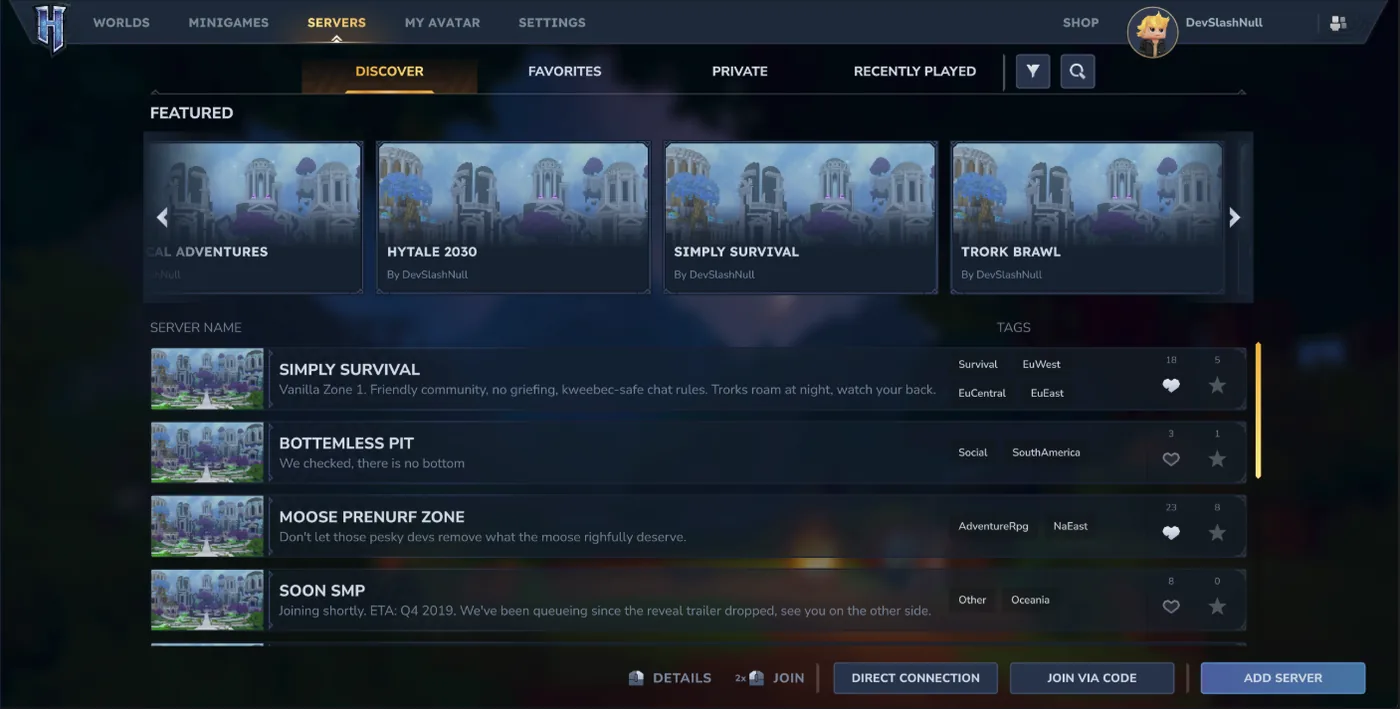
A host can work locally and still fail for friends because of the address, port, firewall, router, or channel. Test from a second connection before announcing it; a home host may need forwarding and its public address can change.
Give players only the address, port, channel, maintenance window, and support contact. Never share tokens, router credentials, local paths, or backup links.
| Connection check | What to verify | Safe response |
|---|---|---|
| Local join | The host or local client connects | Fix the process and port before changing router settings. |
| Remote join | A player outside the network connects | Check firewall, forwarding, public address, and provider rules. |
| Version | Client and server share a channel | Ask players to update through the official path. |
| Recovery | The owner can restart and restore | Keep a private backup and maintenance contact. |
Test the address
Use the exact address and port a remote player will receive; a local hostname is not a public test.
Test and document one session
Have a friend join, make a harmless change, reconnect, and read the log. Then write down the channel, address, port, rules, and maintenance contact.
Choose a Hytale server hosting method
Choose hosting by uptime, control, budget, and who will repair the machine. Weekend and public servers need different support plans.
Before paying, confirm where files live and how to export and restore a backup.
Run it on your own PC
Good for learning and short sessions. You control everything, but the PC must stay awake and the home network must accept traffic.
Use a spare machine
A separate computer isolates the server; plan for power, operating-system updates, monitoring, and a backup drive.
Rent a managed instance or VPS
Useful for an always-on group when the provider supports Hytale. Check console access, storage, firewall controls, export, and backups.
Backups, mods, and future updates
Before mods or a major update, stop the server cleanly and copy the world and configuration while no process is writing. Store a dated copy outside the live folder and open the archive to verify it.
Add one extension at a time and test on a copied world. For an update, read the official notes, verify the channel, back up, update staging, and test one client before live maintenance.
- Back up world data, configuration, permissions, whitelist data, scripts, and important logs.
- Record channel, build evidence, runtime, startup arguments, port, and extensions.
- Keep live and rollback files in different locations.
- Test one client, save, restart, and extensions after a staging update.
Troubleshoot common server setup failures
Use the smallest change that can explain the symptom. Read the server log first, then compare the working test setup with the failing live setup.
| Symptom | Likely area | First check |
|---|---|---|
| Closes immediately | Runtime, authentication, missing file, or command | Use the documented start flow and read the final log lines. |
| Host joins, friends cannot | Firewall, forwarding, public address, or provider | Test the port from outside the host network. |
| Version mismatch | Different channel or incomplete update | Compare labels and update through the official path. |
| World or progress fails | Extension, save path, permissions, shutdown, or wrong folder | Restore the clean copy, remove the latest extension, and verify the save path after a normal restart. |
Check the server version before every maintenance window
The official update stream checked on September 7, 2026 identifies the live Update 6 line and current 0.6.4 hotfix context. That does not replace the branch and server instructions in the manual.
Before maintenance, compare the official update note, Server Manual, launcher or server output, and extension requirements. Do not turn a search snippet into a permanent download claim.
- Record the live or pre-release channel and check date.
- Confirm clients, server, mods, and plugins target the same channel.
- Make a dated backup before replacing files or migrating.
- Test one client before reopening the group server.
A reliable Hytale server is a repeatable process
The first server should be small: official files, a clean folder, one test world, one connection test, a known port, and a restorable backup.
When something breaks, return to the last known-good copy and compare one change at a time.
Hytale server setup FAQ
Official references
Official pages checked September 7, 2026; recheck the manual before future updates.
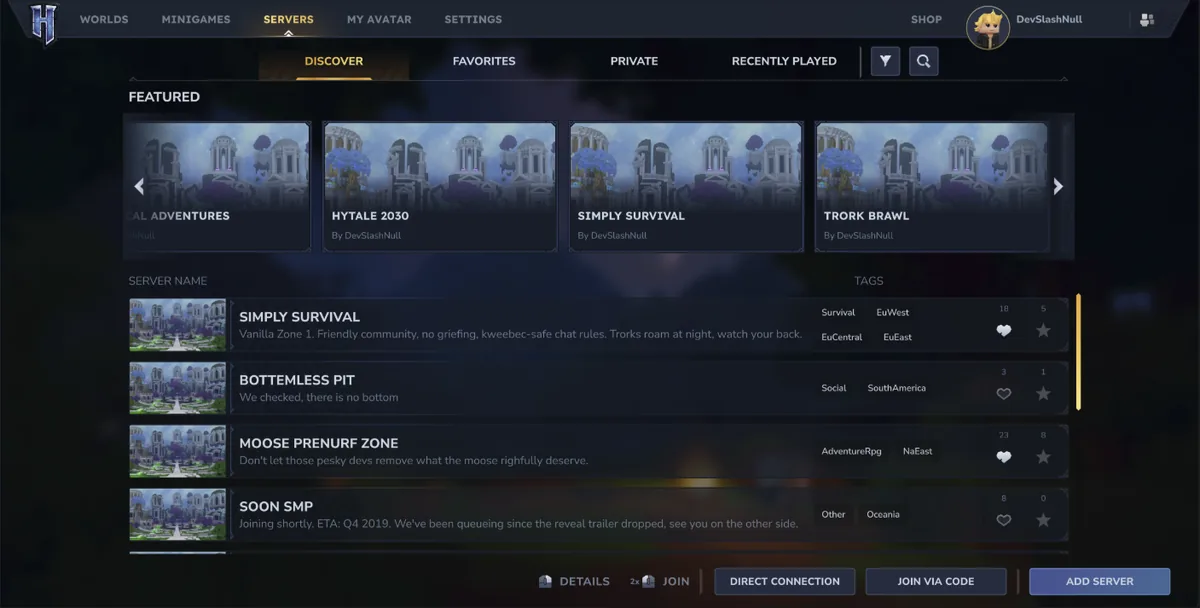
Three existing WebP visuals support workflow, connection, and discovery.